These Office Productivity courses cover a broad spectrum of topics, ensuring you stay current with industry standards and best practices.

Stop wasting time on repetitive tasks by building your own Excel robots to automate your daily workflow.
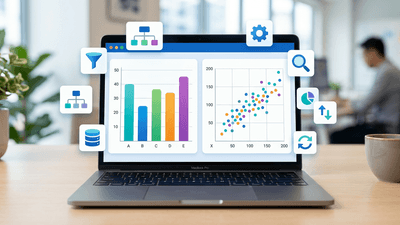
Learn to build interactive data visualizations and turn raw data into actionable insights with this hands-on guide.

Master essential visualization techniques and build production-ready dashboards from scratch.
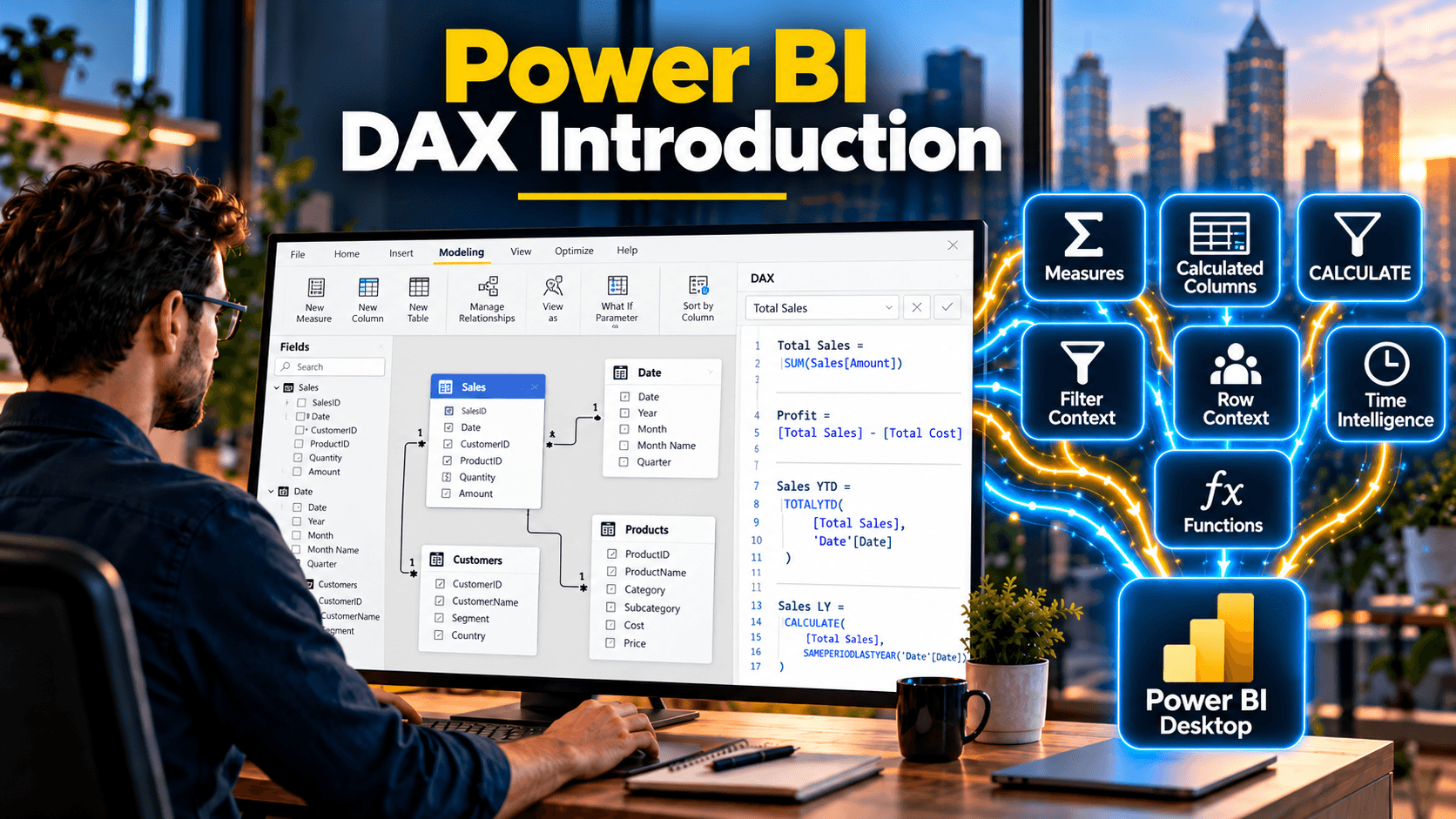
Write DAX calculated columns, calculated tables and measures with confidence, from RELATED and SWITCH to SUMX and CALCULATE
Try LearnFormula Business and buy packages or courses at a discounted group (multi-license) rate.
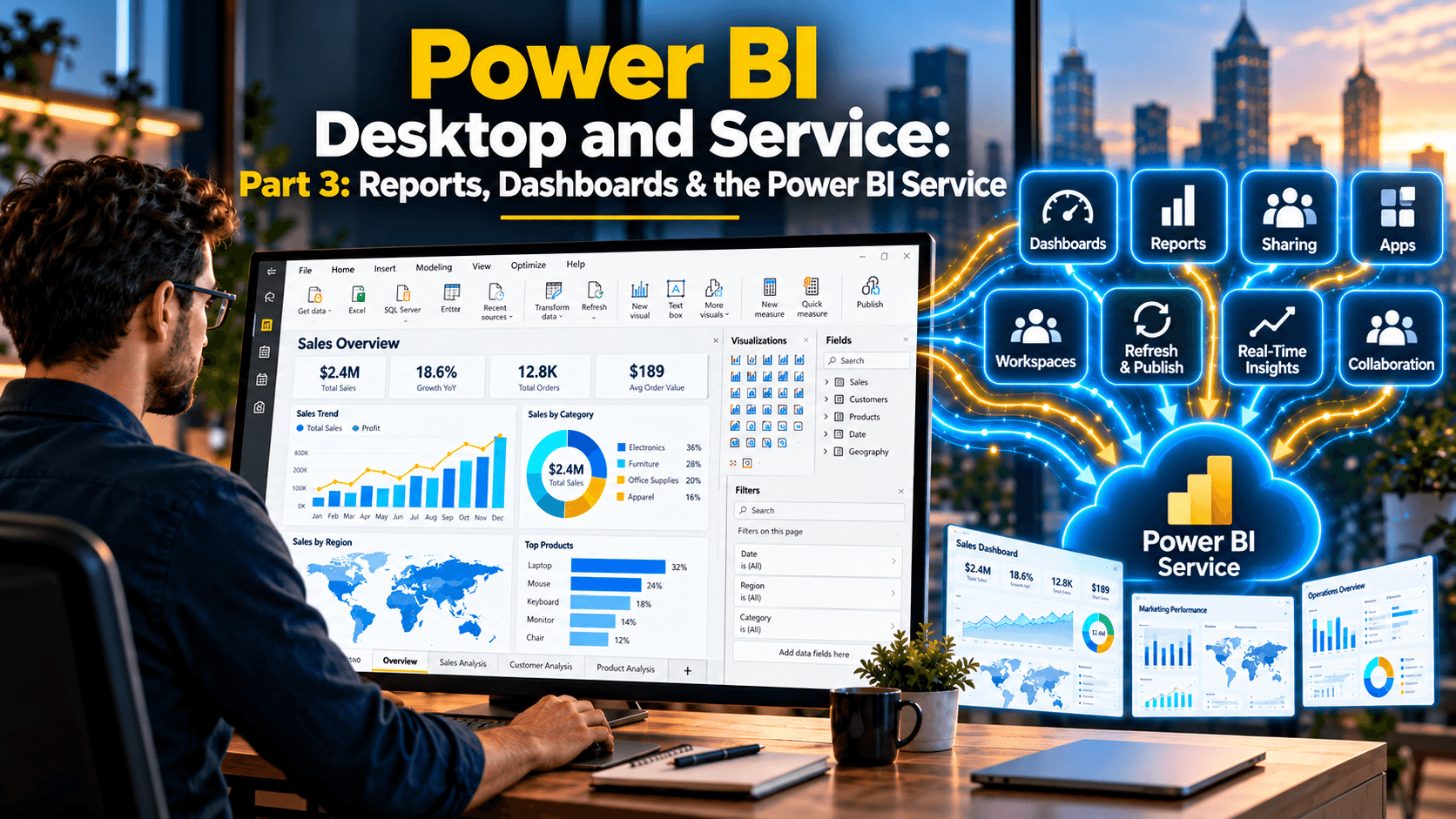
Design interactive Power BI reports, then publish, share and refresh them as dashboards and apps in the Power BI service
Build practical Excel table skills: organize and filter data, create clear reports, and use structured references with guided lessons, workbooks, and quizzes.
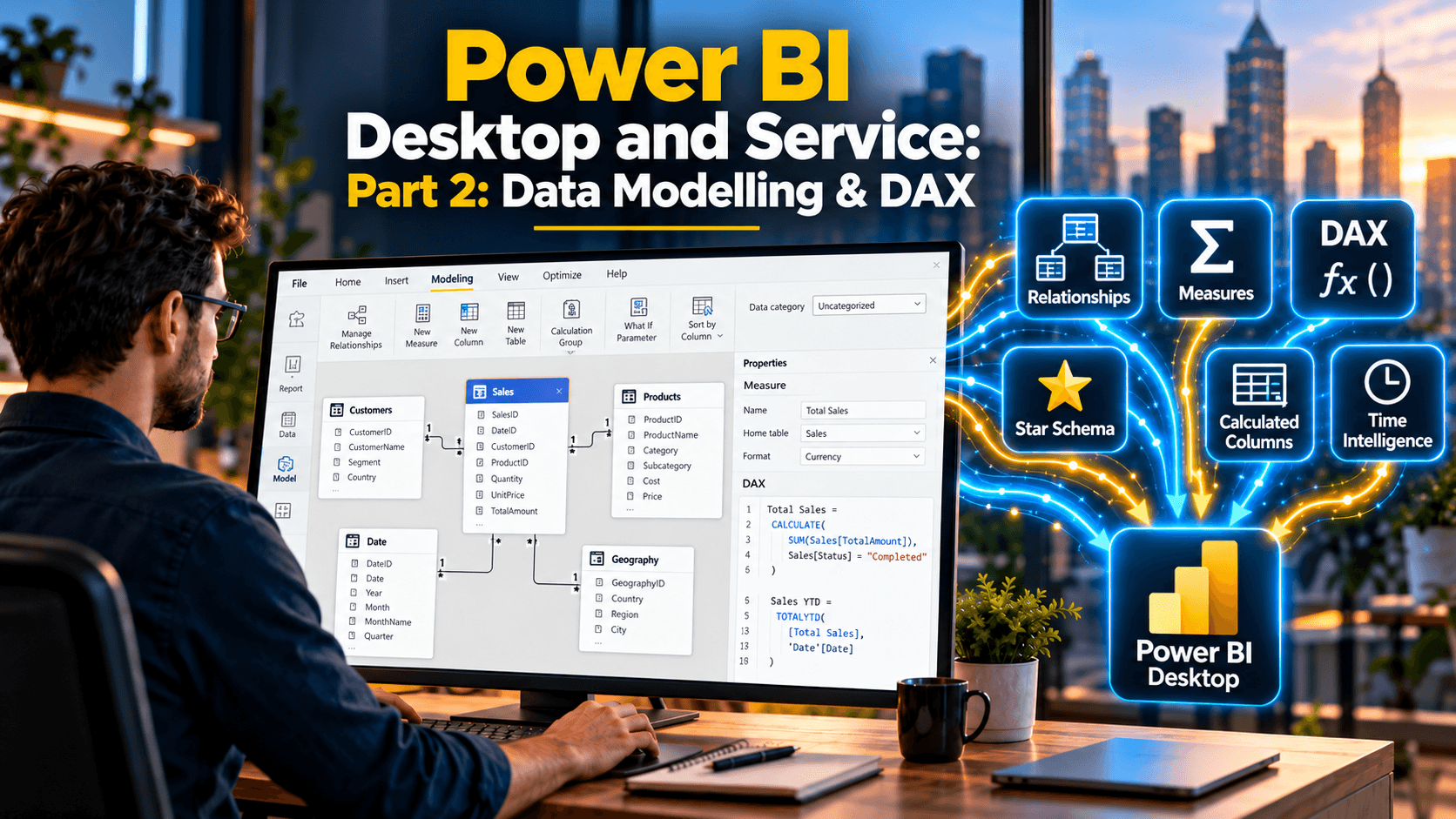
Build star-schema data models with date tables, relationships and hierarchies, then add calculated columns, measures, CALCULATE and time intelligence with DAX.

Direct Claude inside Excel to write formulas, format, analyse and automate your workbooks, from cell data and pivot tables to Power Query, VBA and sensitivity analysis.
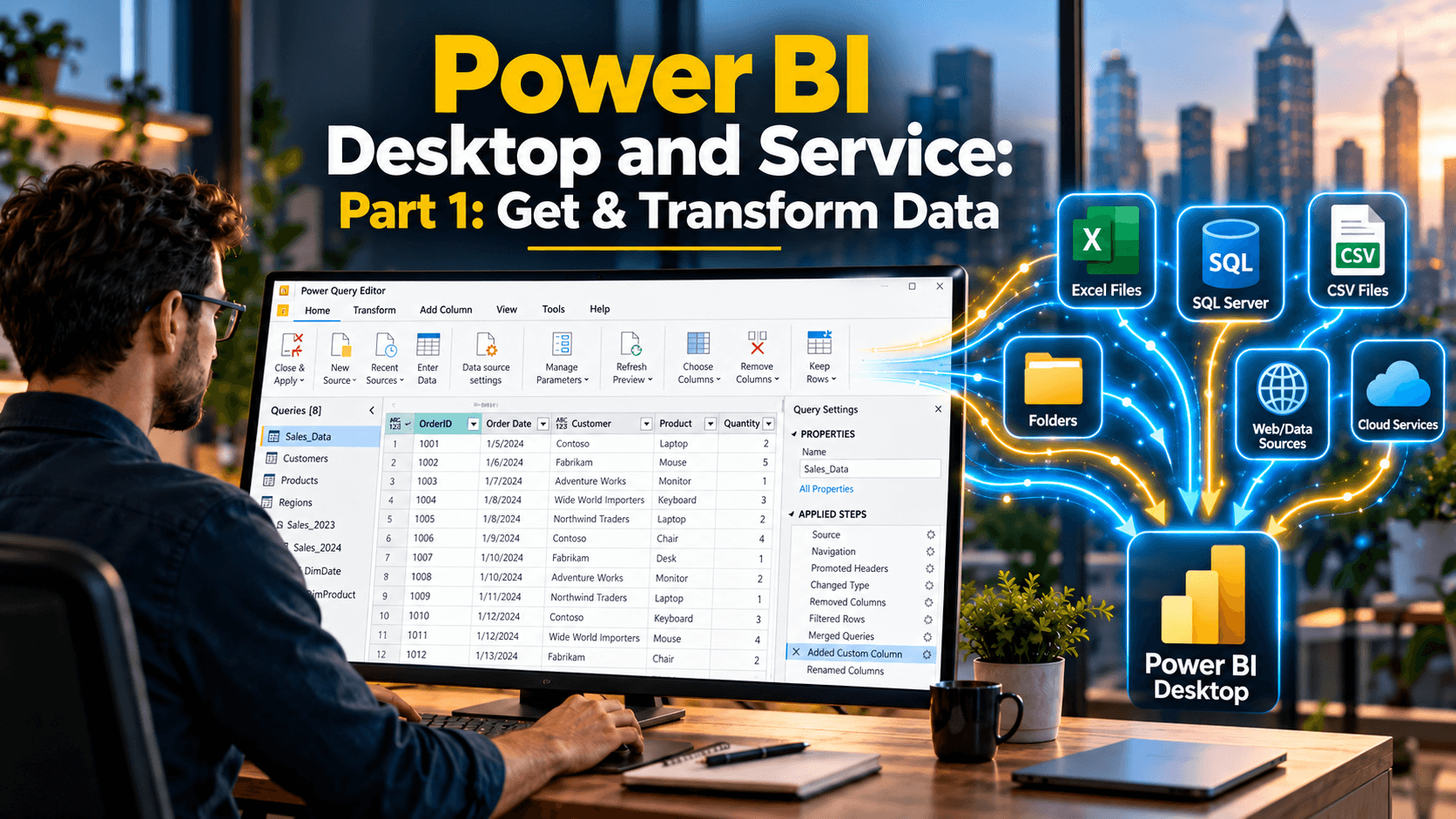
Connect Power BI Desktop to text files, Excel, folders, SharePoint, the web and SQL Server, then clean and reshape the data with Power Query.

Master the spectrum of analytics and leverage generative AI to transform raw data into actionable business intelligence.